Captain’s Log Entry
Return to Sea: Building Our Own Ship’s Bridge Simulator
Think Like A Captain. Play Like a Pirate.
Before I return to Canada’s west coast and put a boat beneath my feet, I’m building a bridge here at Stormy Sailors Maker Lab. A ship’s bridge simulator, to be precise: a place to practise navigation, experiment with marine electronics, and learn what happens when wind, current and a heavy motorboat refuse to cooperate.
The plan starts with equipment I already own. No shopping spree, no expensive cockpit, and no pretending the finished system already exists. First we make the fundamentals work, then we build on them.
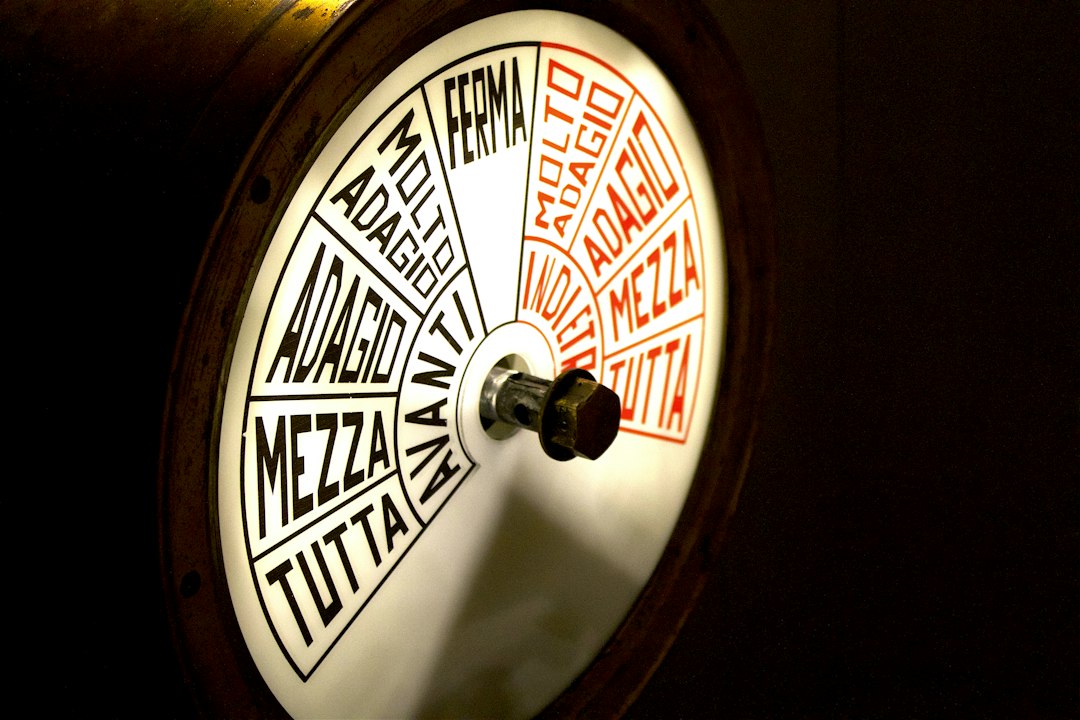
Start on stormforge, then bring the Pi aboard
My Linux laptop, stormforge, will be the first development station. It already has a screen, keyboard and enough computing power to develop and inspect the simulator. That makes it the quickest way to test the idea without buying hardware.
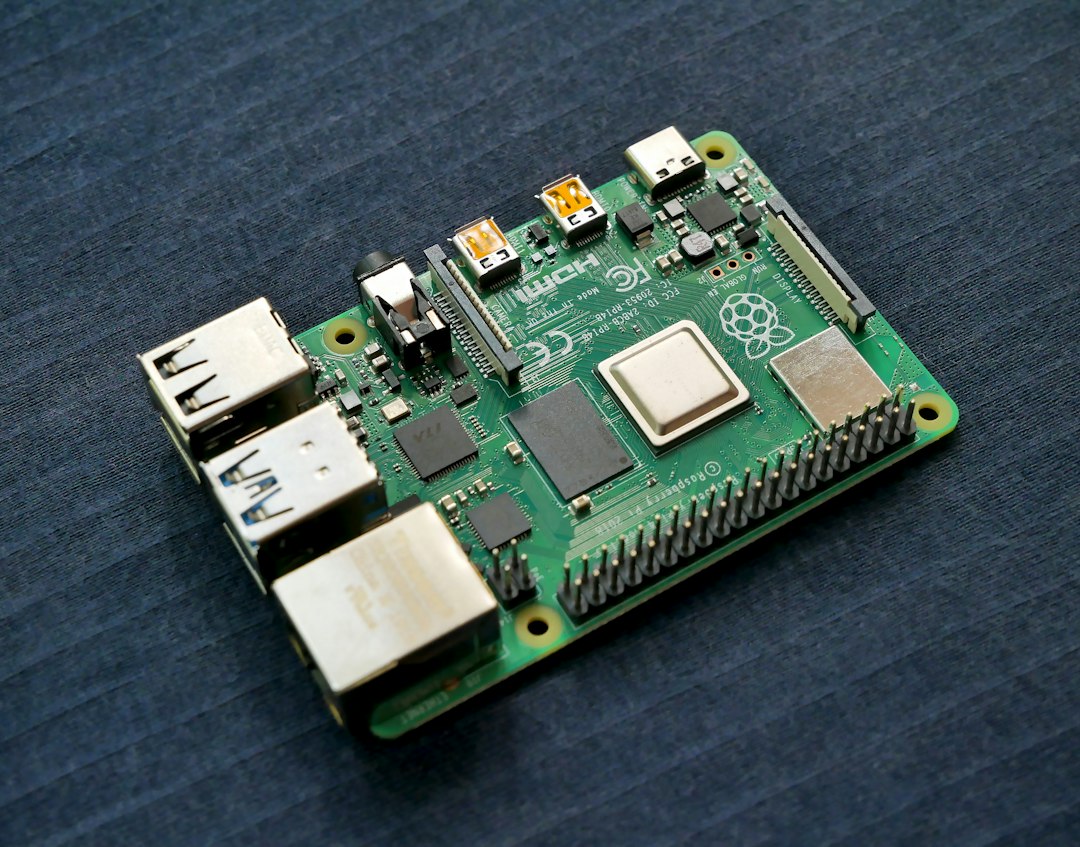
The existing Raspberry Pi 4B with 8 GB RAM is our next platform to evaluate. It gives us a compact computer for marine services and a future dedicated station. We’ll measure its performance before deciding which jobs belong there. The first software prototype has a target of $0 in new hardware purchases; charts and physical controls can come later.
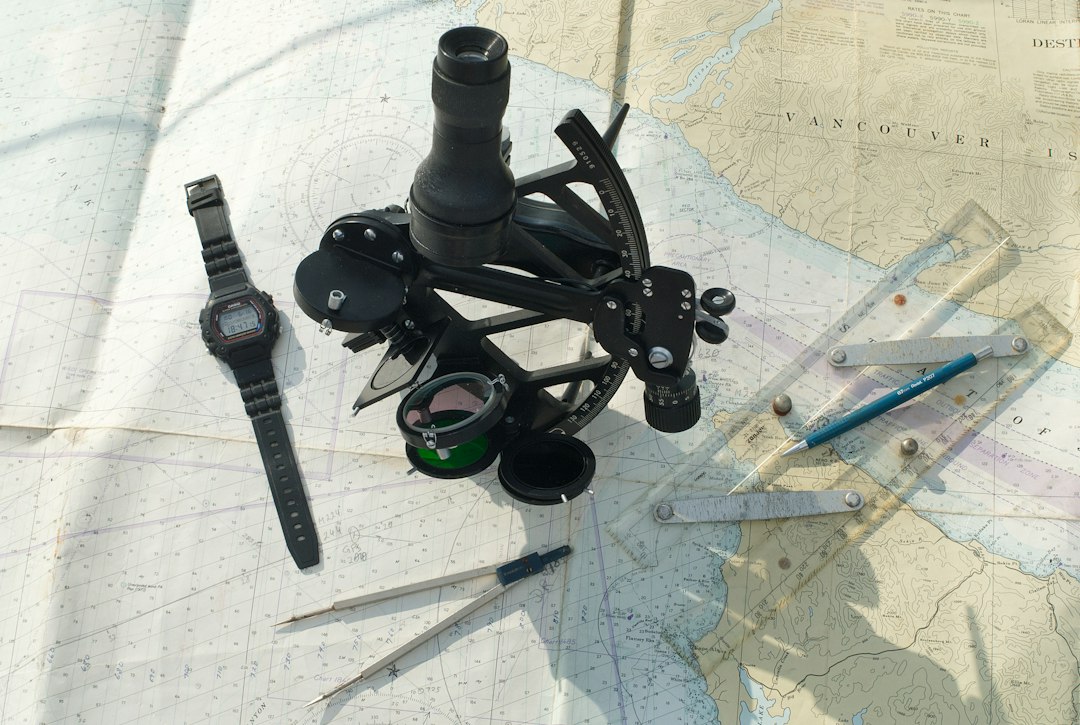
OpenCPN: the chart table
OpenCPN is our choice for chartplotting and route work. It can display nautical charts and receive marine navigation data. Rather than drawing a pretend chartplotter from scratch, we’ll use established navigation software and feed it simulated position, course and speed.
That gives the exercise a useful purpose: practise planning a route, following it, and understanding the difference between where the bow points and where the boat actually travels. Wind and current can make those two things very different.
Our destination is British Columbia coastal waters. We’ll obtain appropriately licensed Canadian West Coast charts for that stage and check coverage and compatibility before buying. Free NOAA charts can support initial experiments in U.S. waters, but they aren’t a substitute for Canadian coverage.
Signal K: connect the instruments
Signal K provides an open way to exchange marine data. Its server will be the hub between the simulated vessel and our instrument displays: position, heading, speed, wind and, as we develop them, engine and electrical readings.
Why choose it? Because a common data layer lets us change a display or add a sensor without rebuilding the entire system. It also gives us a path from generated readings in the workshop to real instruments aboard a future boat. Each connection will still need to be configured and tested.
Python: make the boat behave like a boat
The custom Python simulator is the part we need to build. OpenCPN handles navigation and Signal K moves data; neither automatically supplies the vessel behaviour we want.
We’ll begin with a simple motorboat model: throttle, rudder, acceleration, turning and inertia. Then we’ll add wind and current and refine the response. A heavy boat shouldn’t stop instantly when the throttle comes back, and turning the wheel shouldn’t feel like moving a mouse pointer.
Later goals include twin-engine handling, fuel use, electrical loads, simulated AIS traffic, alarms and replayable scenarios. Those are development targets, not commissioned features. We will need to compare the model against credible vessel information and real experience before calling it realistic.
OpenPlotter: a future home for the marine stack
OpenPlotter brings together tools for marine electronics on Raspberry Pi and compatible Linux systems. We’ll evaluate it when we move toward a dedicated Pi installation, particularly for managing marine connections and later sensor experiments.
It is a candidate for assembling the marine stack, not the physics engine. We can develop the first laptop prototype using the individual components and decide how much OpenPlotter helps once the data flow works.
StormyOS, Ember, and a bridge with personality
StormyOS is where we intend to bring the instruments, controls and system status together in a familiar dashboard. Ember will have a place aboard too: a little personality beside useful information, with clear alarms and readable displays taking priority.
Eventually I’d like physical throttle and helm controls, a separate instrument screen, and a read-only Voyage Board showing a route, heading and estimated arrival. Those additions must earn their place by making practice better. First comes a functioning boat model and a chartplotter that follows it.
The first sea trial stays on dry land
Our first milestone is modest: steer a simulated vessel on the laptop, send its navigation data through the chosen interfaces, and watch it move correctly in OpenCPN. Then introduce controlled wind and current, record a run, and repeat it to see what changed.
This is a workshop learning tool, not a certified bridge trainer. Real navigation and boat handling still demand proper training, current information and time on the water. What this project can offer is a useful place to practise, make mistakes, and understand our own electronics before taking them to sea.
There will be bugs. There will probably be a virtual grounding or two. Better a bruised ego in Edmonton than a bent propeller off Vancouver Island.
Fair winds, following seas, and let’s build the bloody bridge.
— Captain Stormy
Stormy Sailors Maker Lab