
Tactical Pirate — Stations & Functions

This guide explains the Tactical Pirate’s Main Deck stations and the functions that have been documented so far. It separates features verified on the device from software functions still being commissioned. A menu item appearing on screen does not, by itself, mean every capability behind it is ready for field use.
Controls and Status
- Rotate the encoder: move through menu items and choices.
- Press the centre button: select an item or confirm the on-screen action.
- Back: return one level in the current menu.
- Long press: return to the Main Deck from a lower screen.
The project uses hardware-aware status reporting. A capability may be ready, present but not commissioned, absent, or failed. Check the device’s current status before relying on a radio or peripheral.
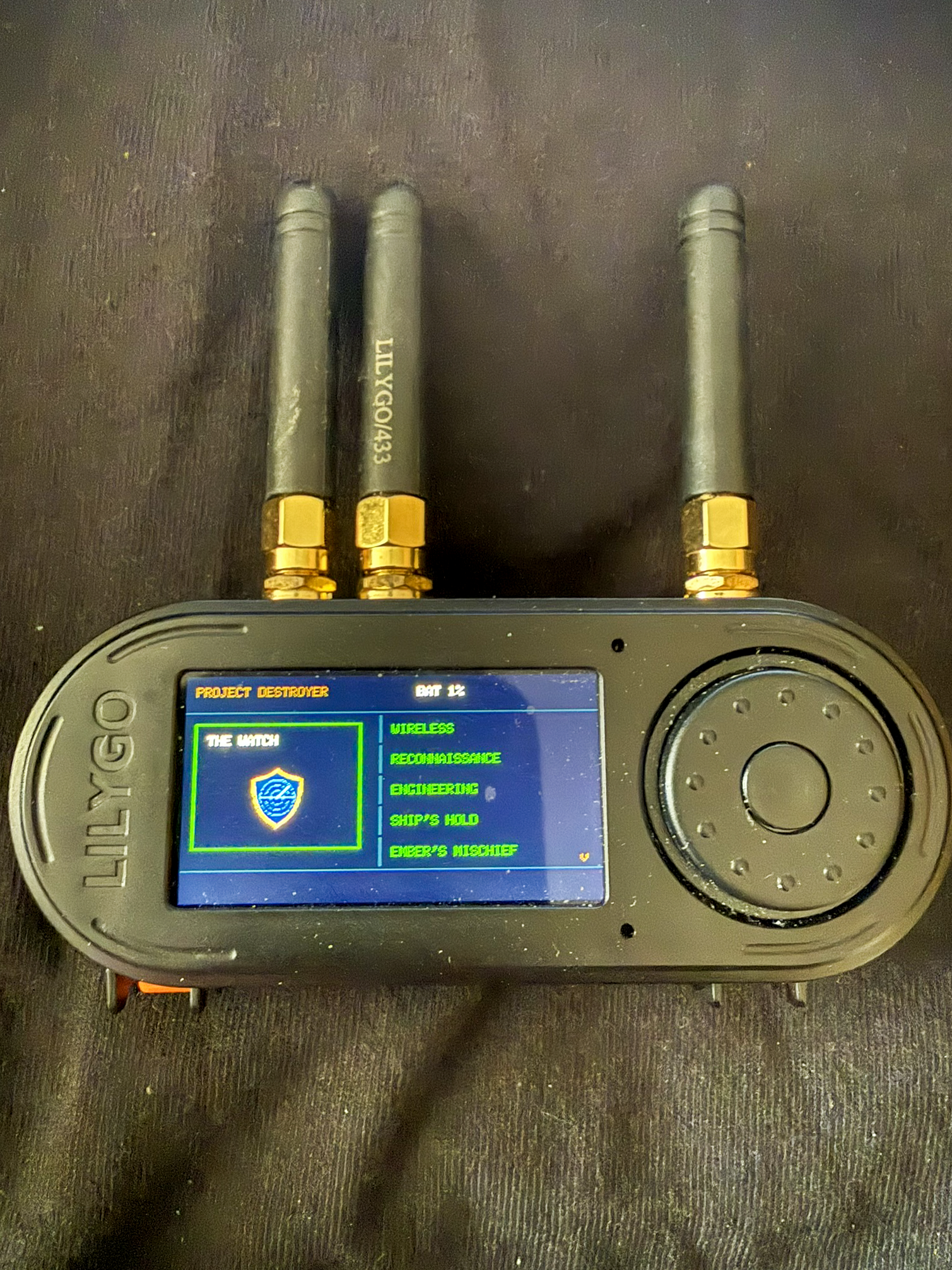
The Watch
Wireless Threat Watch: provides the framework for watching selected wireless activity and handing information to the Bridge. Its core and station shell are in place; individual monitoring functions continue to be commissioned. The Bridge Remote is a read-only status and records view, not a remote control for the handheld.
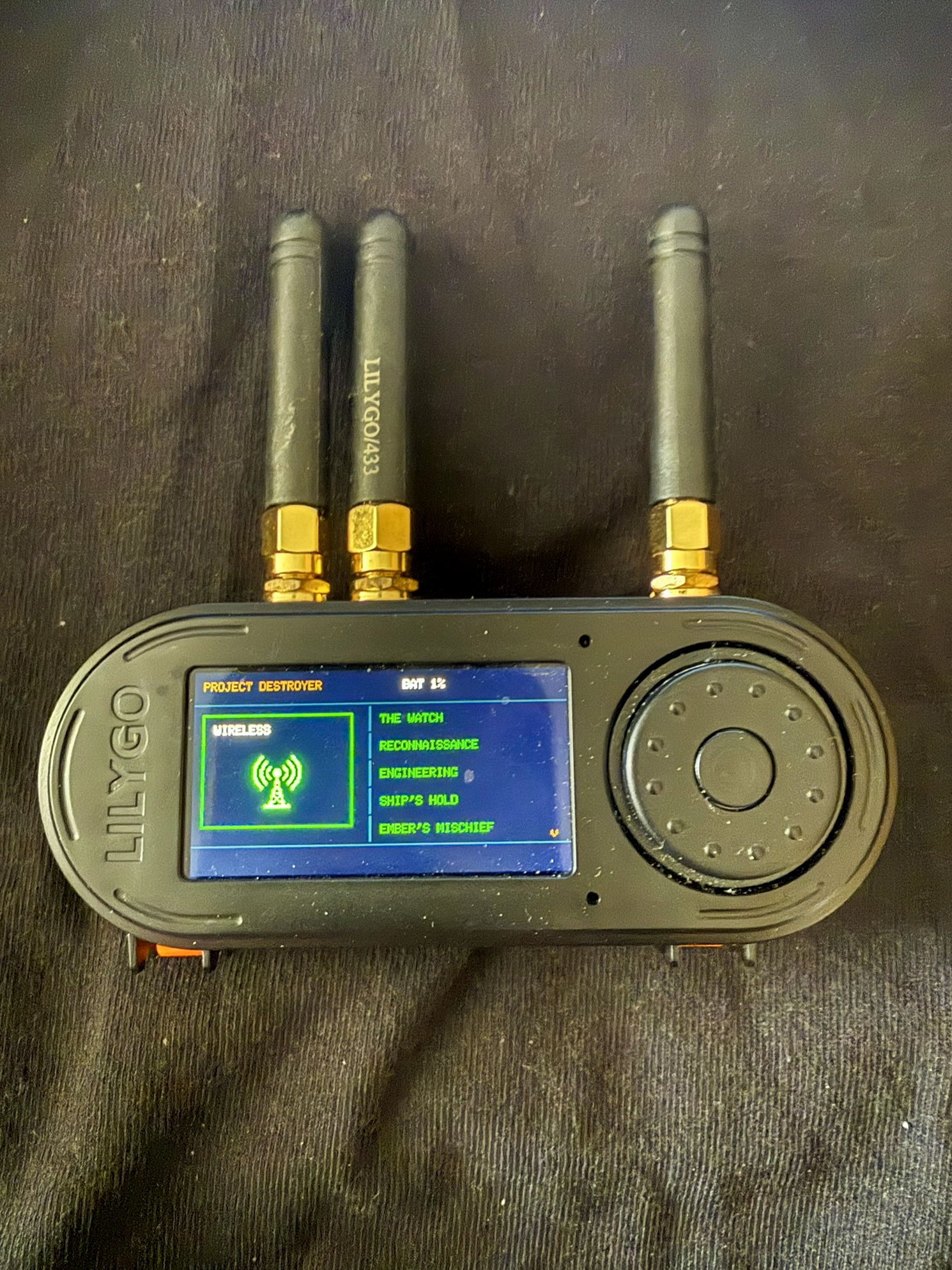
Wireless
- Wi-Fi Scanner: searches for nearby access points and presents details such as network name (SSID), BSSID, signal strength (RSSI), channel and security. The scanner has passed physical testing; hidden-network filtering remains a known limitation.
- Bluetooth Low Energy scanning: removed from the current feature set; it is not an available scanner function.
- Other radio hardware: CC1101 diagnostics and conditional NRF24/NFC capabilities must be treated according to the live Hardware Status screen. A radio being fitted does not mean its functions have passed commissioning.
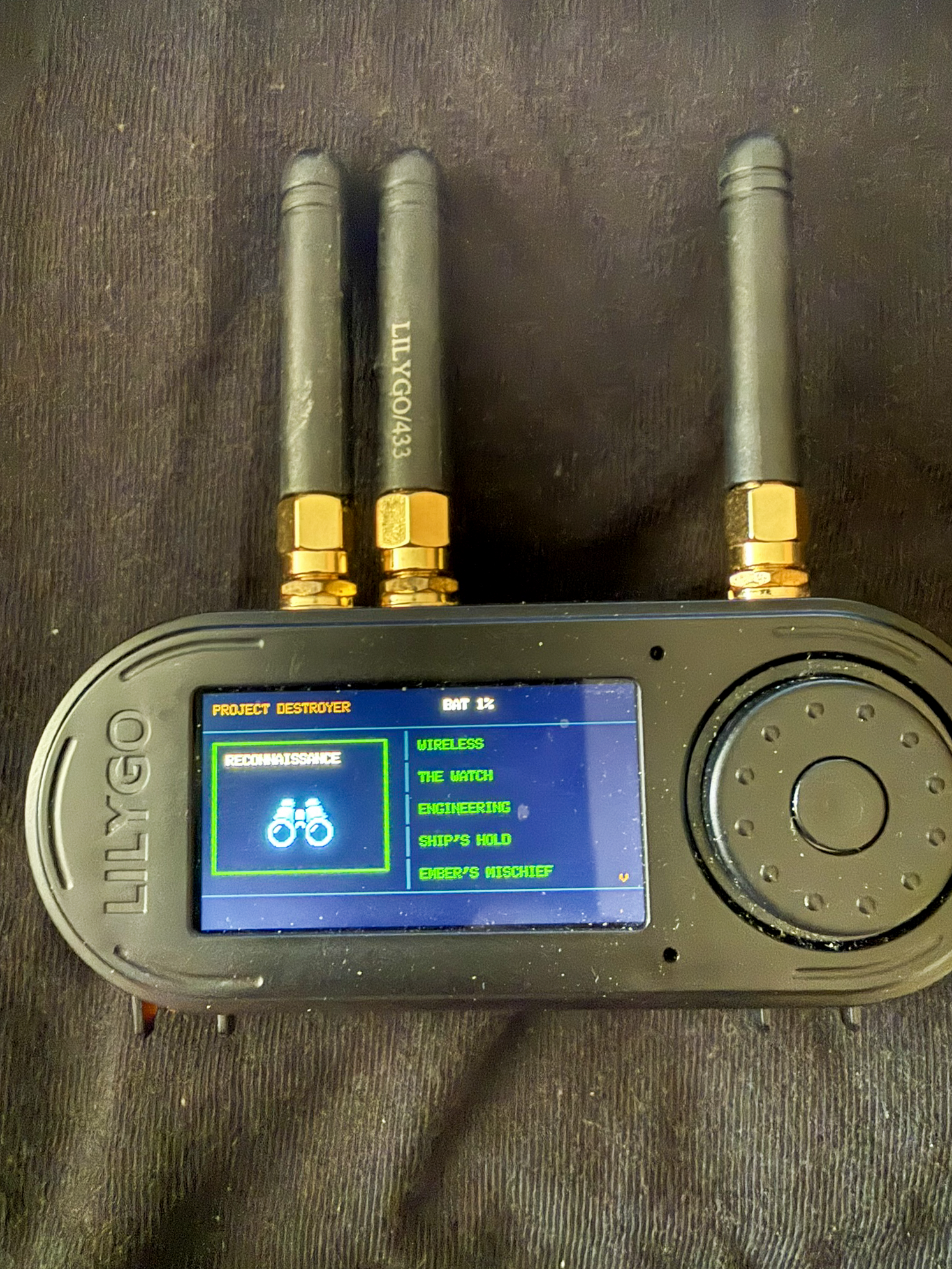
Reconnaissance
- OUI-SPY: compares a device’s MAC-address prefix with a local IEEE vendor database to help identify its manufacturer. Results distinguish a matched vendor, an unknown vendor, a locally administered or randomized address, and an unavailable database.
- Results and details: let the operator review discovered entries and open a selected record. The database contains 40,086 records; the physical storage and current device status remain the authority for whether it is available on a given run.
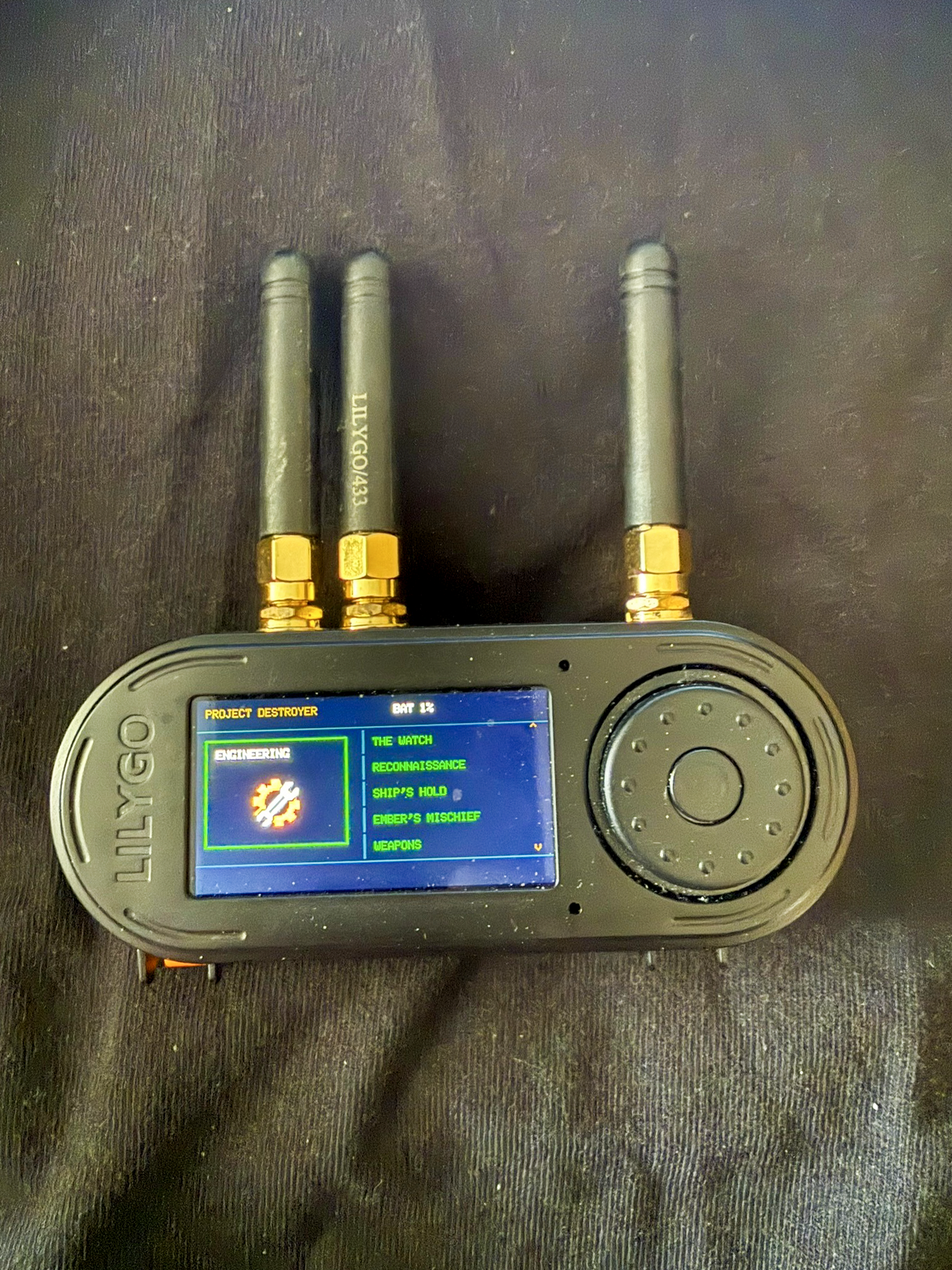
Engineering
- Hardware Status: reports what the firmware can detect and whether each supported component is ready, uncommissioned, absent or failed. Use this screen instead of assuming every built-in radio or peripheral is working.
- Power: provides the controlled shutdown flow. The shutdown control arms for 10 seconds on battery power and aborts if external USB power is detected. Sleep is not implemented.
- Settings: includes device preferences such as sound, display and timeouts, LED configuration, and reset options. Sound has been physically tested; other settings remain subject to the status and release on the device.
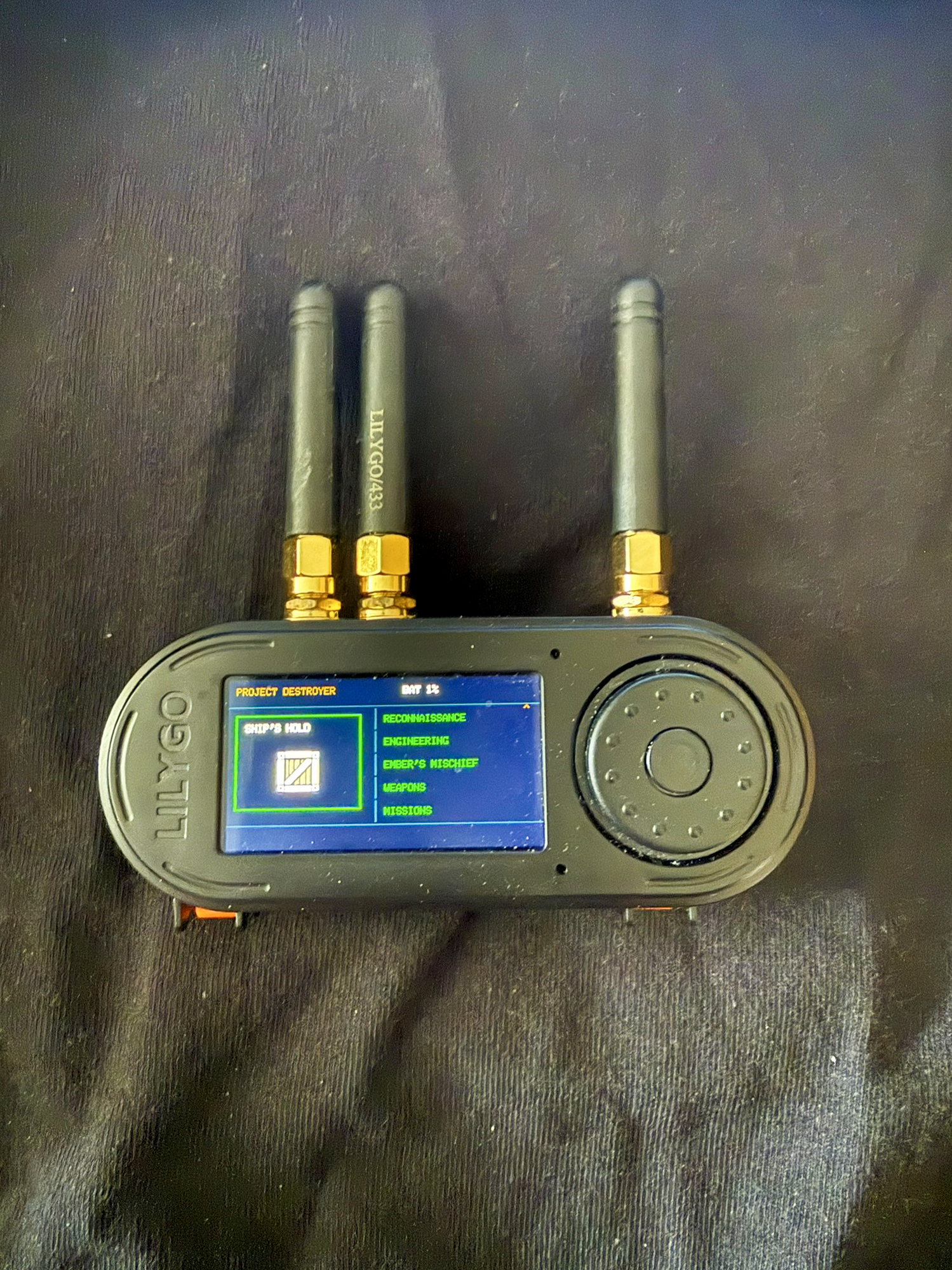
Ship’s Hold
Ship’s Hold is the handheld’s organized storage area on microSD. It is intended to keep captured files, saved infrared device records and commands, reconnaissance material, and mission exports in predictable locations. A mission archive can bundle its report and evidence with verification data. Check the storage status before relying on a save or export; a failed or unavailable card must be treated as a failed operation.
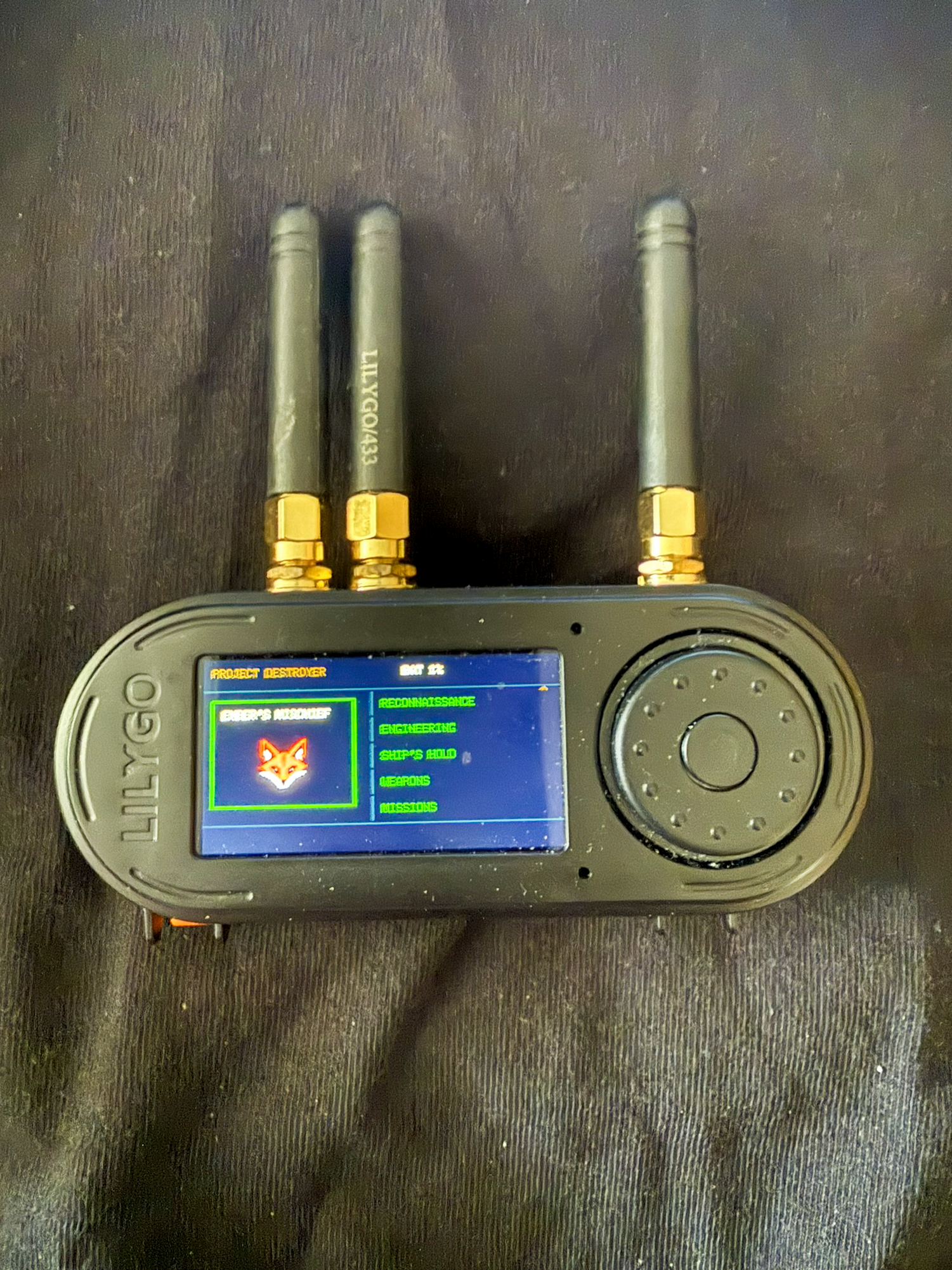
Ember’s Mischief
- Crab Rave: a playful on-screen demo for entertainment, not a wireless or diagnostic tool.
The station’s complete current submenu is still being checked against the device, so this section will be expanded as each item is confirmed.
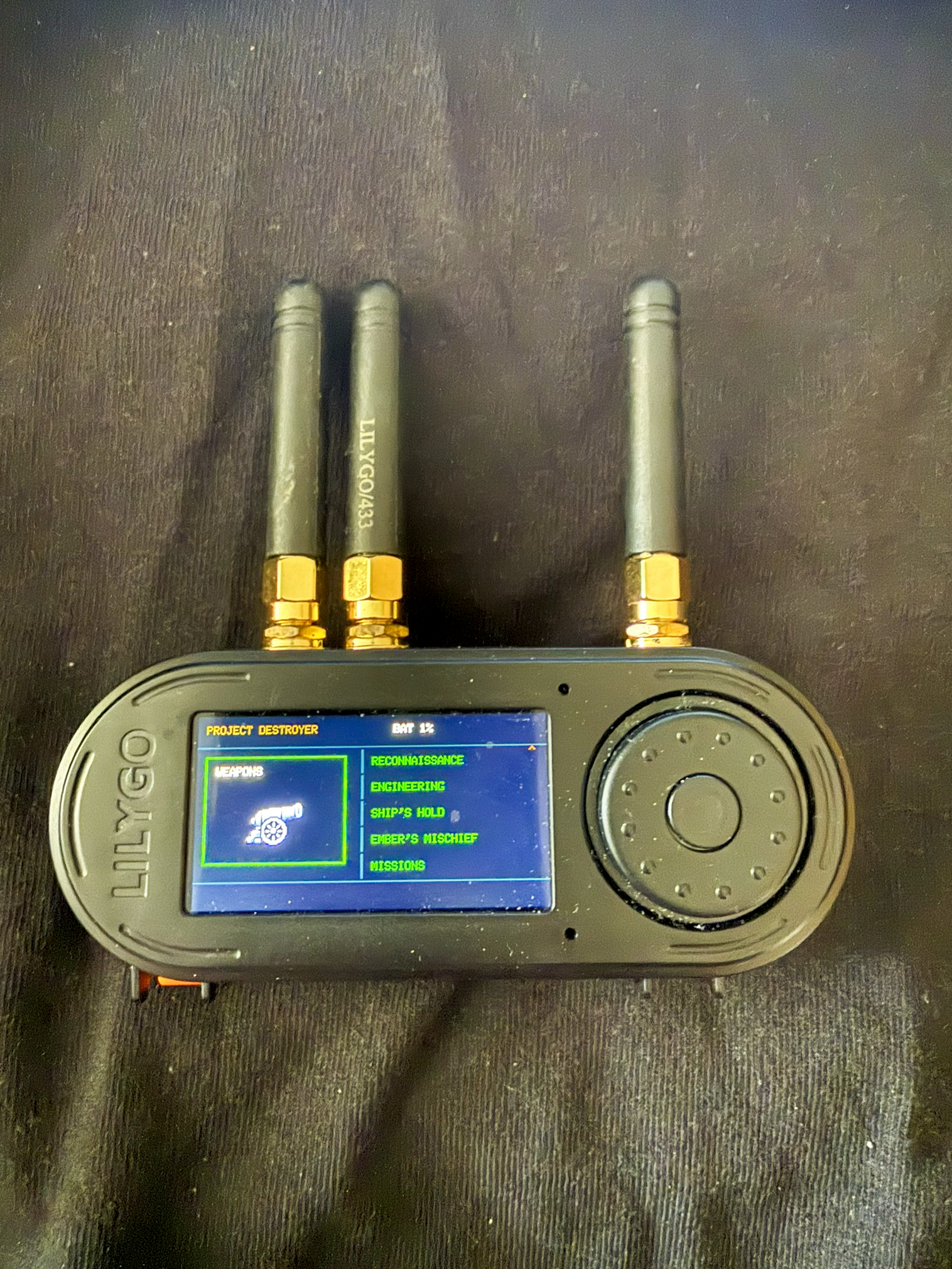
Weapons
Weapons is the authorization-gated area for active tests. The Letter of Marque is the project’s explicit reminder that these functions are for equipment and networks the operator owns or has permission to assess. Some active functions remain hidden, limited or uncommissioned; the operator must follow the on-screen authorization and current capability status.
- IR Broadside: the firmware includes saved-device records and learn, replay and stop controls for supported infrared commands. The production workflow and hardware acceptance are not fully commissioned, so a visible menu must not be treated as a guarantee of reliable control.
- Other active tests: only functions actually present in the current firmware and explicitly authorized for the test should be used. This guide does not provide instructions for disrupting third-party networks or equipment.
Missions
- Create and track a mission: group a testing task and its records under one mission, with lifecycle states for work that is active, interrupted or complete.
- Time and evidence: mission records require synchronized time where the evidence workflow needs it, and can collect reports and supported captures.
- Export and verify: export a mission archive for transfer and review. The archive workflow has been verified with its evidence and integrity data.
Photo Tour
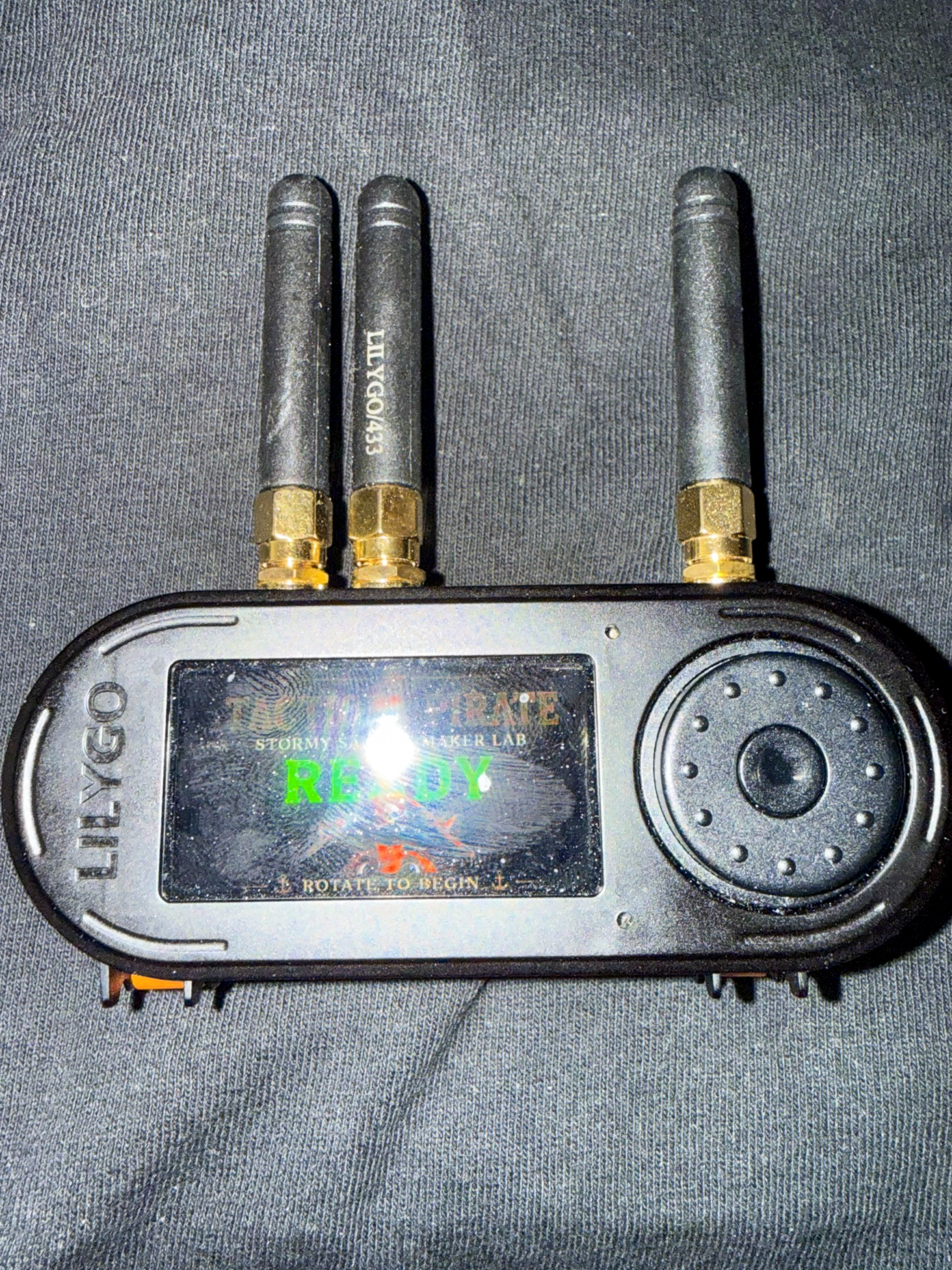
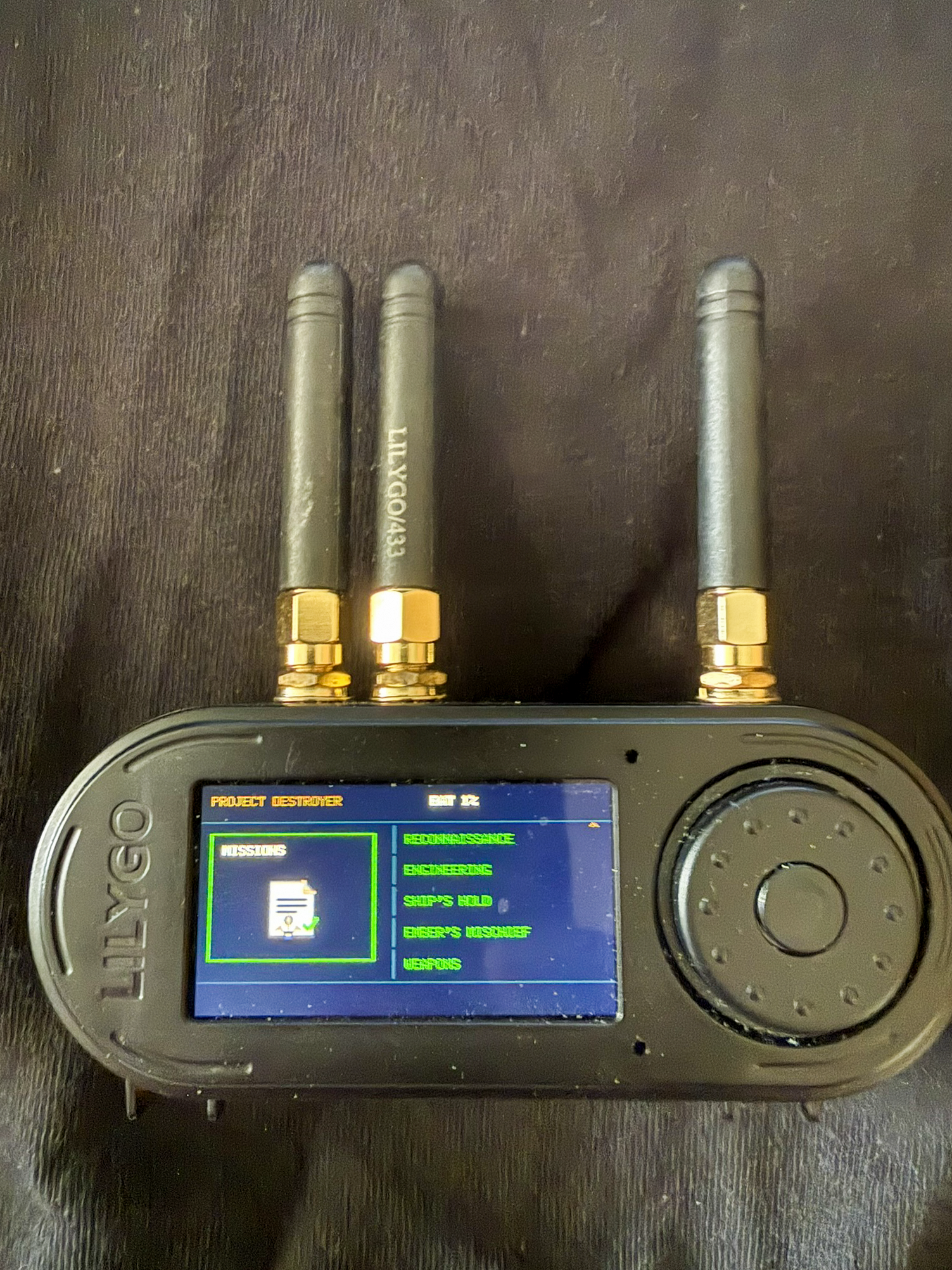
The first image shows the Tactical Pirate startup screen. The station photos show the Main Deck with each station selected; they illustrate the menu and its visual identity rather than every submenu screen.
Responsible Use
Use the Tactical Pirate only with systems, equipment, signals and networks you own or are explicitly authorized to assess. Minimize collection, protect stored captures, and follow applicable privacy and radio rules. The hardware, firmware and operator authorization all matter; an option appearing in a menu is not a substitute for permission or commissioning.
Return to Tactical Pirate Documentation · The Tactical Pirate